

Collaterals
The library the whole desk sends from
Price lists, stock photos, forms — saved once, sent into the shared inbox from the composer. Not a folder on someone’s laptop.
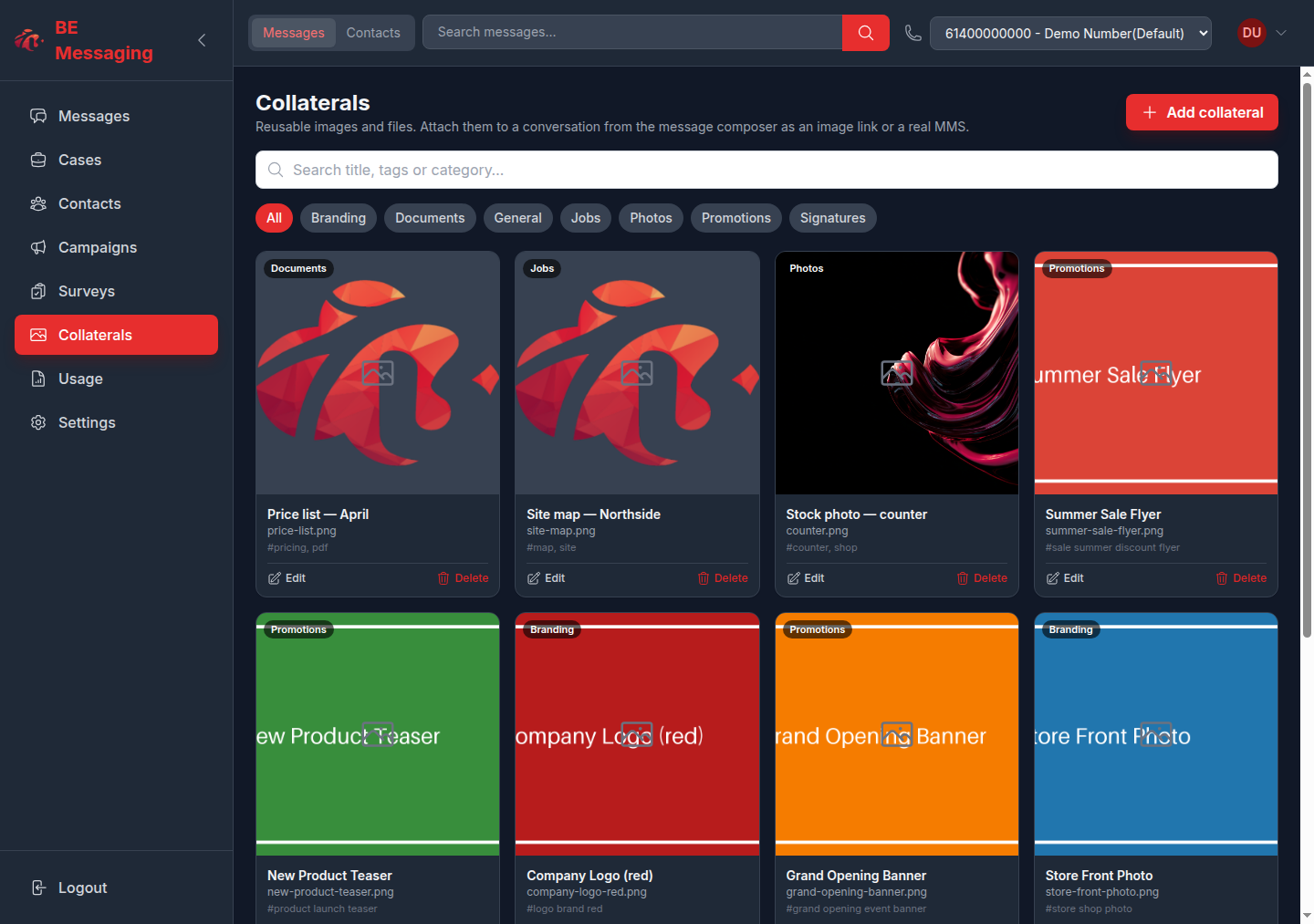
The library
Price lists, stock photos, forms — saved once for the company, not a folder on someone’s laptop. Who can see or manage it is a role permission.
- Upload images and files with a title, category, and tags
- Search and filter by category
- Company-owned — visible to roles with the collaterals module
- Upload, edit, and delete sit behind a manage permission
Into the thread
Attach from the inbox composer. Images go as MMS on numbers that carry MMS, and land in the shared conversation like any other outbound message.
- Attach from the inbox composer, with an optional caption
- Send one, or several queued in sequence
- Images go as MMS on numbers that carry MMS
- It lands in the shared conversation like any other outbound message
Notes
- Collaterals are the reusable set. Ad-hoc photos still send from the composer without saving them first.
- Who can see the library is a role permission, same as cases and surveys.