

Case management
The queue the desk can own
A case is who owns the thread, when they took it, and why it ended — state a sent-log cannot derive. The conversation stays the messages.
The queue
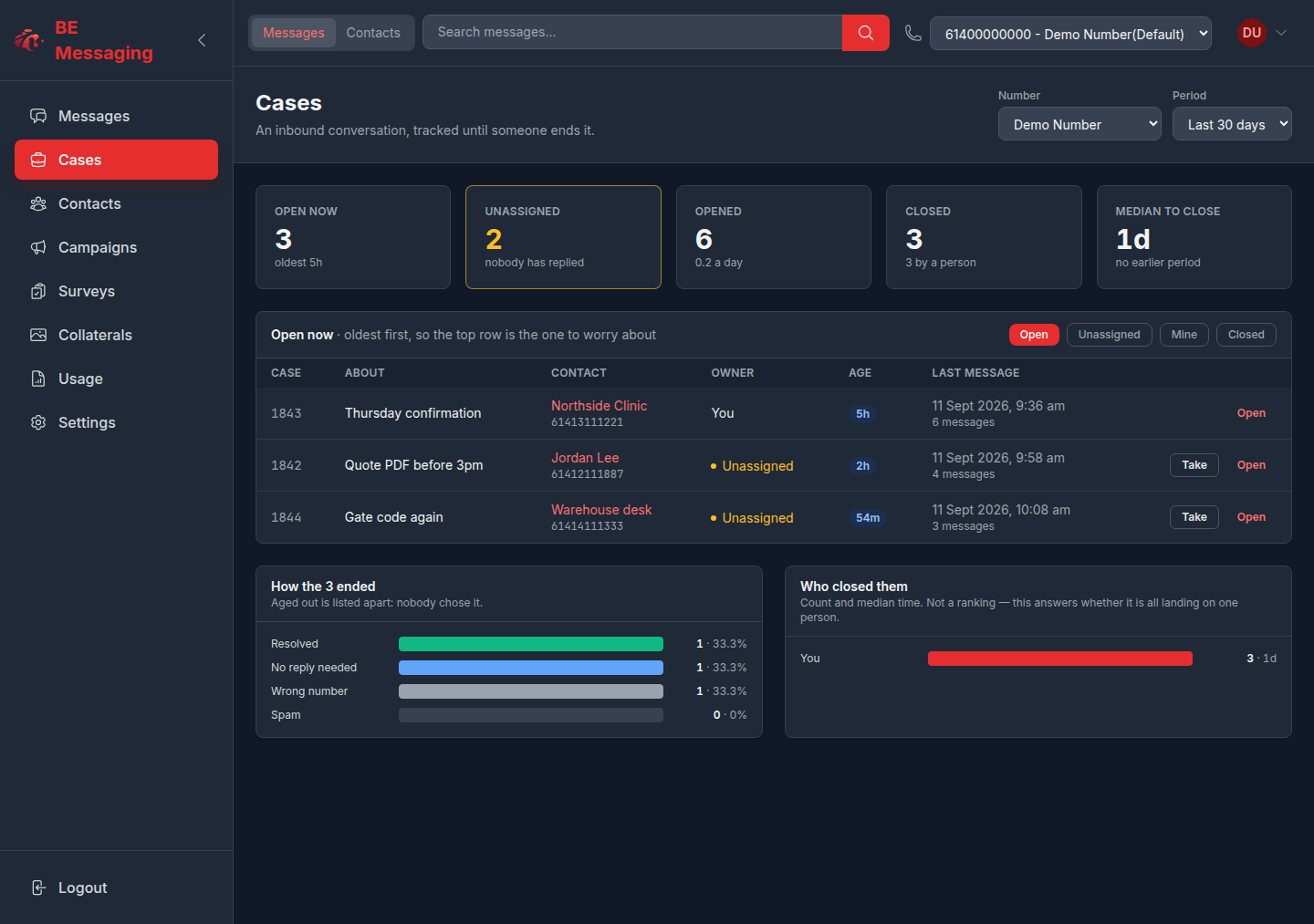
Oldest open first. A human reply takes an unassigned case; the BE AI agent and campaigns do not claim it. Ownership is the queue, not a sticker on a sent log.
- Views: open, unassigned, mine, closed
- Oldest open at the top — work the queue, then read the stats underneath
- A human reply to an unassigned case takes it. AI and campaigns do not claim.
- Assign or unassign from the cases UI
- Editable title, seeded from the opening message
Close and reopen
Close with an outcome the desk can report on. Notes stay internal. Age-out and a short reopen window keep stale threads from sitting forever.
- Outcomes a person can pick: resolved, no reply needed, wrong number, spam
- Internal notes on the thread — never sent to the contact
- Age-out: close an untouched case after 3, 7, 14 or 30 days, or never. Aged-out does not send a survey.
- Reopen window after close (default 4 hours)
- Optional live survey offered when closing a resolved case — the operator can untick it
When a case opens
Auto-open is a per-number choice and defaults off, so a campaign line does not flood the queue on day one. You can still open a case from any message.
- Auto-open is per service number and defaults off
- You can still open a case from any message in the thread
- A campaign-only or demo line should stay off so the queue is not noise on day one
Reporting
Time-to-close and outcomes sit on the cases page, under the queue — work first, then the numbers.
- Time-to-close (median, with previous period)
- Outcomes and who closed what
- Filter by service number
Notes
- Ownership is the queue, not a Slack-style assign overlay on a sent log.
- History stays with the company number.